TinyController
Manage All Your Fields in One Place
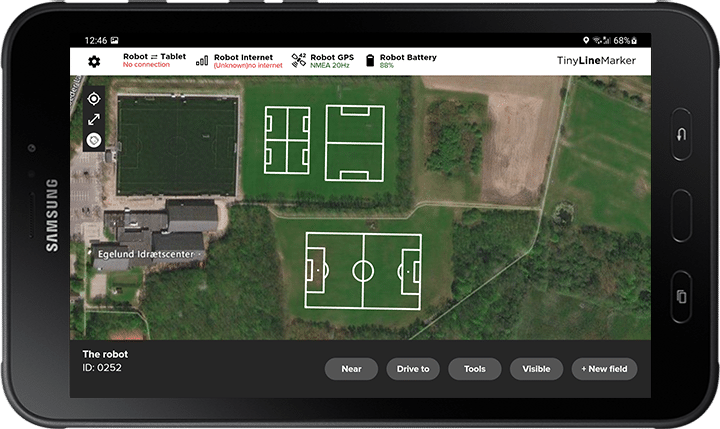
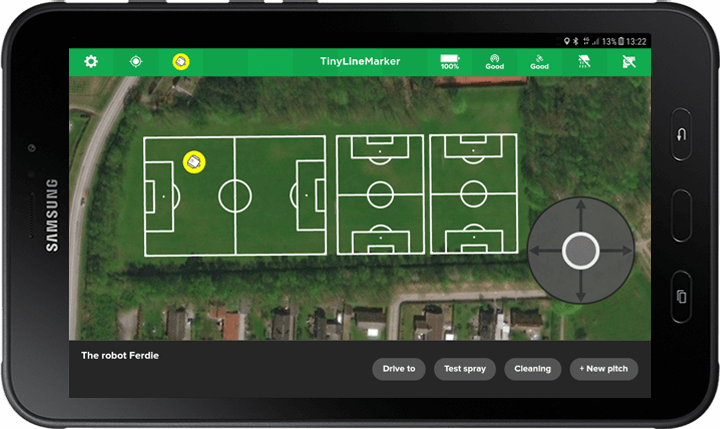
Creating Fields on the Map
You can place your field directly using the background map. This allows you to make changes directly on the field and instantly verify that the positions are accurate. You can also test-drive pitches before marking them to ensure everything is correctly placed.
Create Fields from Fixed Points
It’s possible to create fields from predefined points such as fixed goal posts, goal sockets, or the corners and sidelines of an existing field. Use the robot to collect the points, place the layout, save it on the tablet, and start painting.
Customize Field Layout
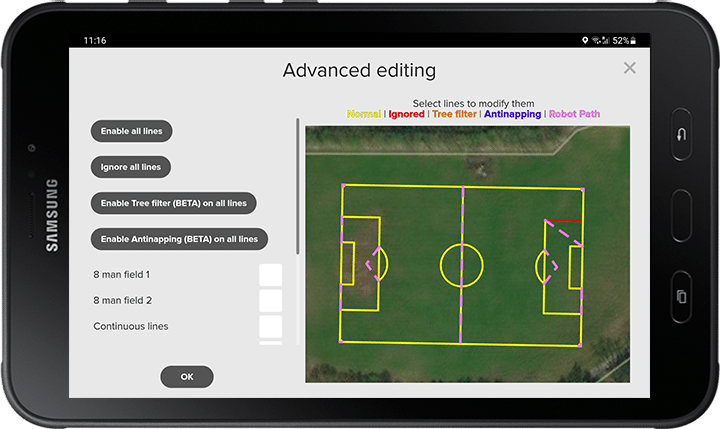
All templates can be customized from the tablet. You can make the soccer/football field a little shorter if needed, adjust the size of the coaching zones, or omit the hash marks of an American football field if they are not necessary for training. With numerous settings, you are sure to find the setting that perfectly suits your needs.
Improved User Experience
At TinyMobileRobots, we constantly develop new features to enhance your experience with the robot. Here’s a glimpse into some of our most successful features, tried and tested by users worldwide.
Custom Logo Feature
Our Custom Logo Feature lets you paint logos, designs, and images. This is possible thanks to a powerful file reader integrated into the TinyLineMarker app. Paint your team’s logo or event designs for tournaments and competitions. Add surrounding text to bring everything to life!
Multi-Select
Need to paint multiple fields in a row? Don’t start each one manually. Use the Multi-Select! Queue to paint your fields one by one, or simply select all visible fields at once. Rearrange the order if necessary and press Start. The robot will mark each field in sequence.
You can always preview the robot’s path between the layouts. Just zoom in to see the dotted lines indicating the route. This is planned automatically and helps you keep the path clear for the robot.
Low Paint Alert
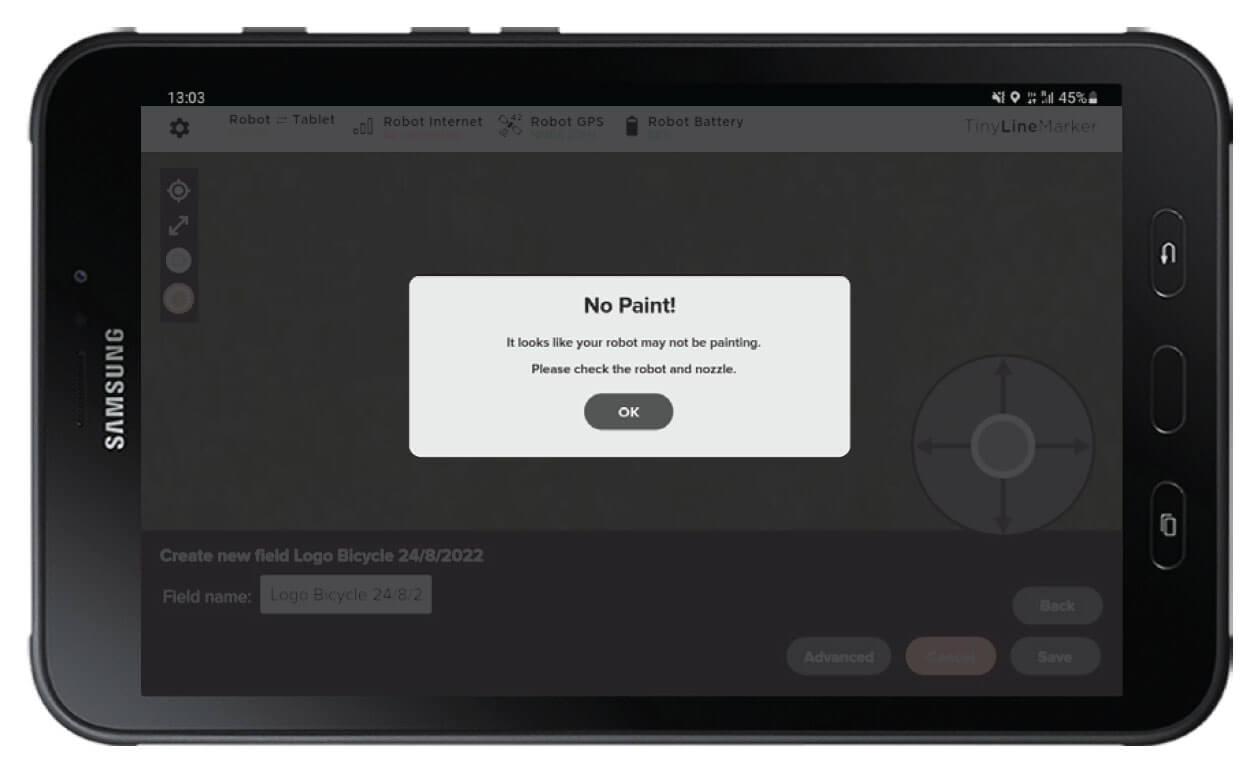
You don’t have to worry about running out of paint while the robot is marking your fields. The robot sends a notification to your tablet when it’s time to refill the paint container or check the paint flow.
The system detects whenever the paint container runs out of paint, triggering an alert and sending a notification. In “Robot Settings,” you can choose whether the robot should automatically stop. Once refilled, simply press “Resume” to continue painting where it left off.